Depending on who you ask, Anthropic’s Claude is the top performer among all LLMs.
For most people, interacting with Claude means using the Claude website or mobile apps.
As great as those tools are, though, the real power of Claude lies behind the Anthropic API.
The Anthropic API is what gives software developers more control over Claude’s capabilities, and it’s how they integrate Claude into their own projects.
But what if you’re not a developer? Working with the Anthropic API can seem a little daunting. There’s a lot of technical jargon and code spread throughout their documentation.
Where do you even begin?
With Glide, you can build your own custom apps on top of the Anthropic API without having to touch any code. Our all-in-one platform gives you everything you need.
Here’s an example: a Glide app that lets your team hold group chats with Claude, and lets you create “Claude Presets” – a sort of custom persona for Claude, inspired by OpenAI’s custom GPTs.
Let’s look at how it works.
Using our Claude app
Our Claude app is a Glide app, which means it runs in the web browser and adapts to any device.
Managing Claude Presets
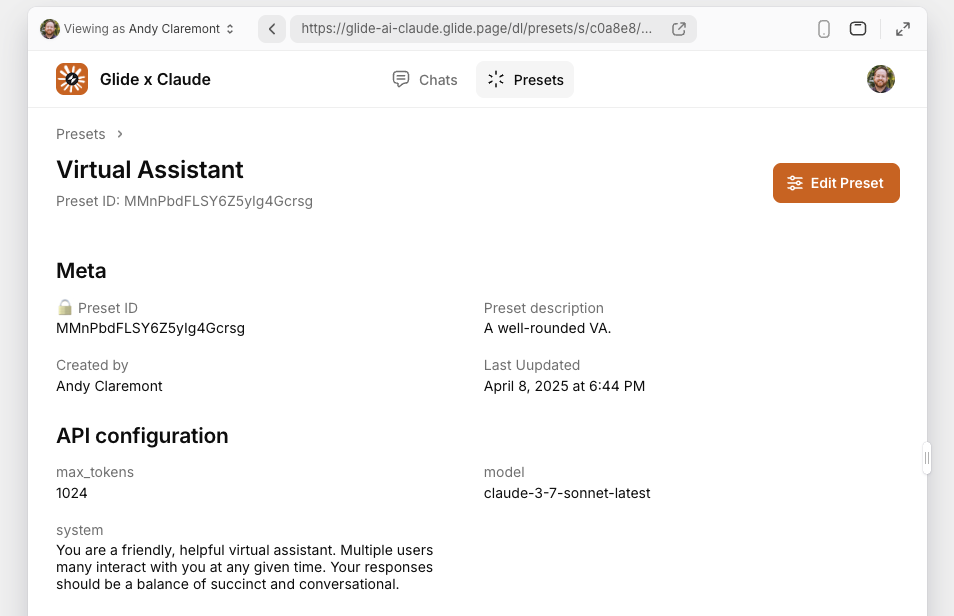
A “Claude Preset” is the name we’re using for a preconfigured Anthropic API connection. The app’s administrators can create and manage Claude Presets for their team to use.
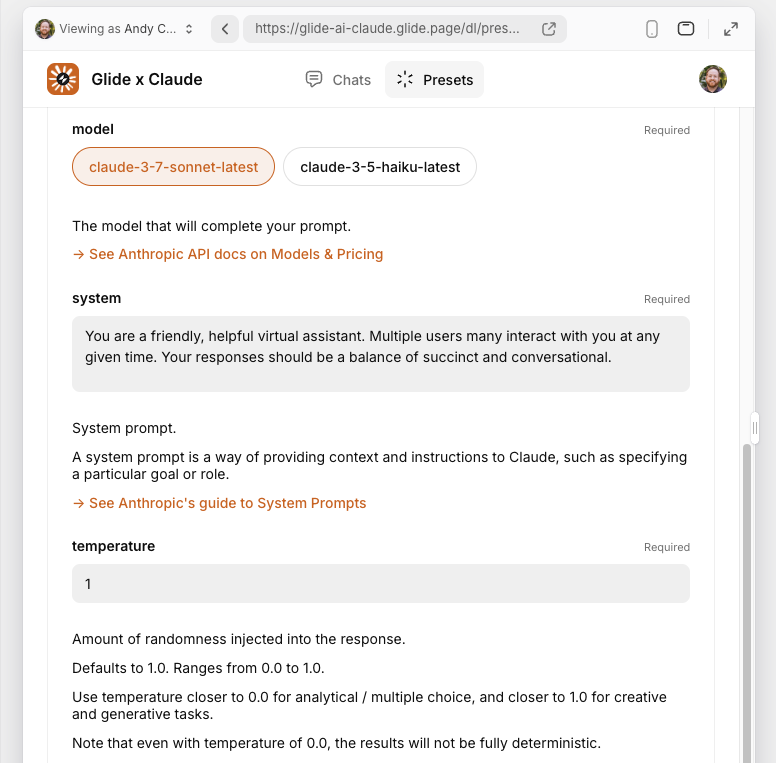
Preset options include Anthropic API parameters like model version, temperature, and the system prompt. The system prompt is what lets us give Claude a “persona”.
Chatting with Claude
The home screen of our Glide app lets users start a new chat with Claude, or jump into an existing chat. When users start a new chat, they can choose from the available Claude Presets. They’re then taken to the message screen to begin their conversation.
Claude’s behavior is based on the specified Claude Preset. If the Preset configuration changes, Claude’s behavior in the chat will change, too.
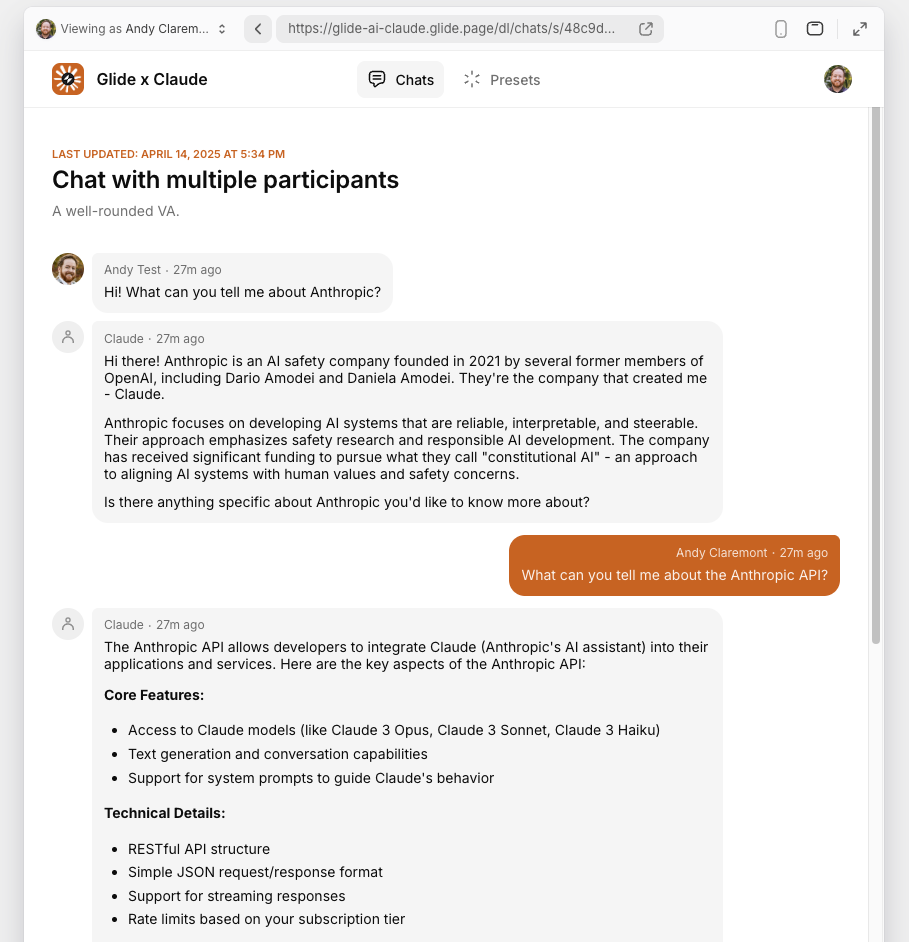
Multiple users can join a Claude chat, and Claude will keep track of the entire conversation history.
Sharing messages
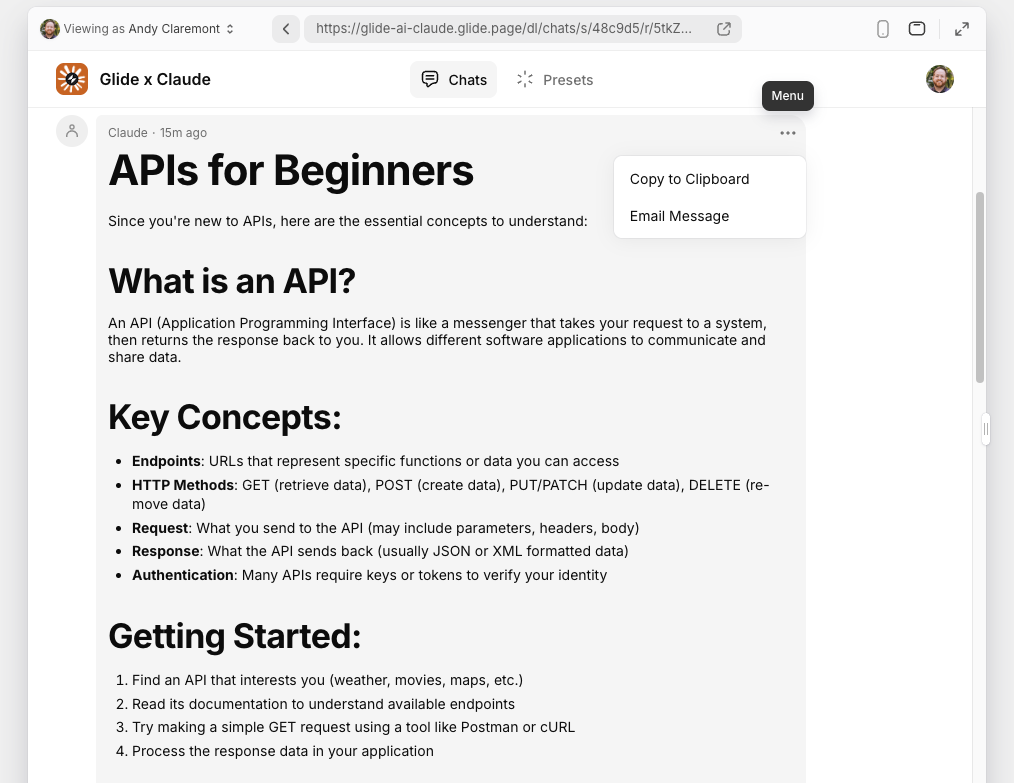
Users can take action on individual messages within a Claude chat. They can copy the text of a message to their clipboard, or they can email a copy of the message to themselves.
Building our Claude app
Our custom Claude app is surprisingly lean under the hood. We’re using a few data tables; a few layout screens; and a few interaction-triggered workflows.
Data
Every Glide app starts with data. For this example we’re using our native Glide Tables.
Presets table
When administrators create a new Claude Preset, they’re adding a row (record) to the Preset table.
Each row contains the Preset ID, label, and description; the Anthropic API headers and body parameters; details about the admin user who created the Preset; and a timestamp.
We also use Relations, If-Then-Else, and Lookup columns to check if a Preset is in use. We reference these columns on the Presets screen so admins can find related Claude chats.